How to find weak and reused client passwords (and fix them first)
You can't change every password at once. Password health shows which client logins are weak, reused, breached or overdue, so you know where to start.
ClientKeeps team · · 1 min read
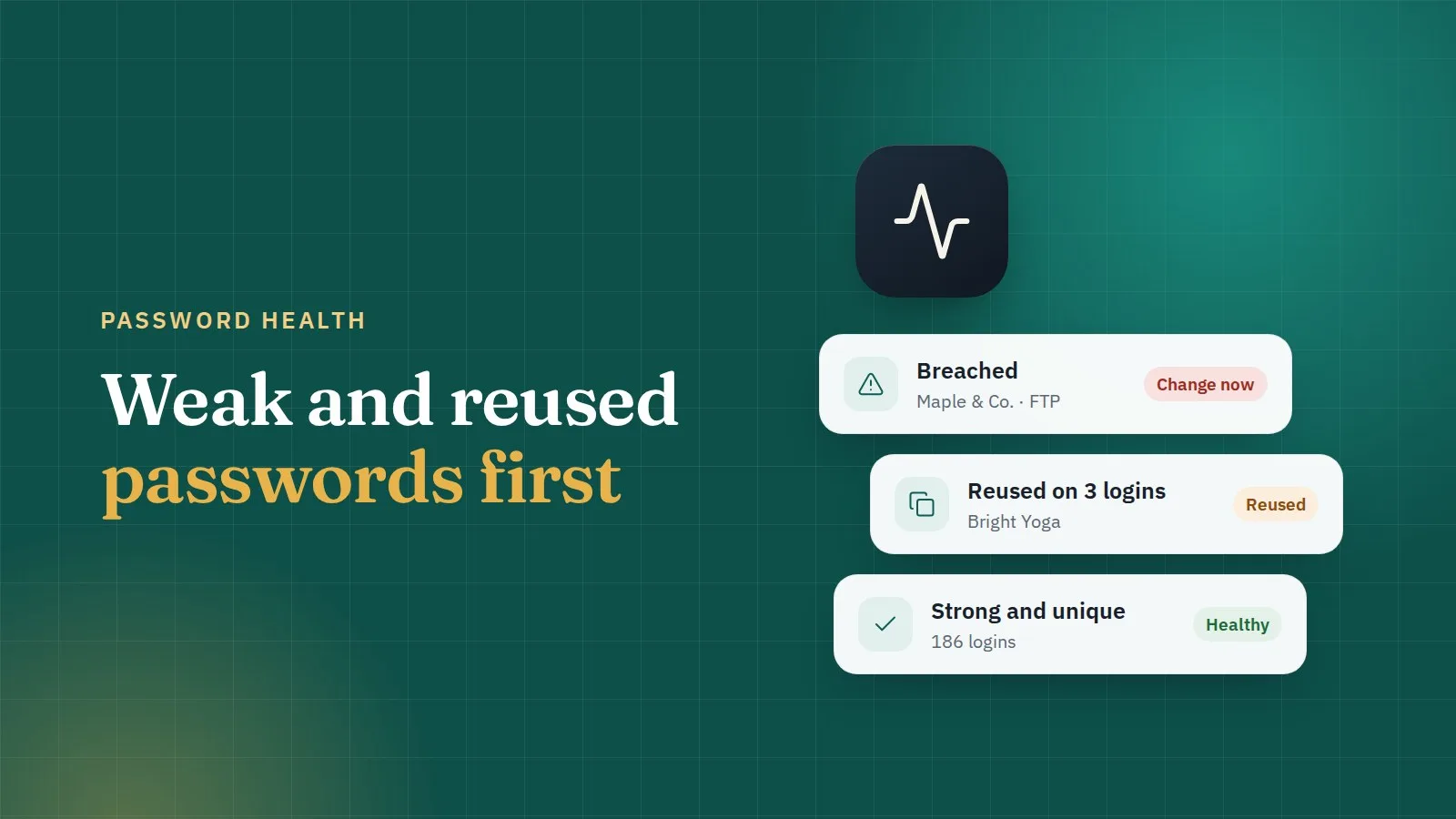
Every agency has old passwords: the hosting login set up in 2019, the FTP password that's the same as three others. Changing all of them at once isn't realistic. Changing the right ones first is.
What makes a password unhealthy
ClientKeeps checks four things, all in your browser:
- Weak: short or easy to guess.
- Reused: the same password on more than one login. One leak, many doors.
- Breached: it appears in a known data breach. The check uses a privacy-preserving lookup, so the password itself is never sent.
- Overdue: it hasn't been changed for longer than you planned.
It also notes which logins have two-factor turned on.
The health score
Each client, and your whole workspace, gets a score from these checks. The server only learns which logins need work, never what the passwords are. A weekly check runs through everything again and the dashboard shows what needs attention.
Where to start
Sort by risk, not by count. A good order:
- Breached passwords on anything important. Change these today.
- Reused passwords on domains, DNS and hosting. These unlock everything else.
- Weak passwords on client email and admin accounts.
- Overdue logins, at your normal pace.
Fixing one
Open the login, choose to change the password, and use the generator. Change it at the service first, then save it in ClientKeeps. The old password stays in the login's history, in case the change didn't go through.
Keep it healthy
- Always generate, never invent.
- Follow the reminders. Each kind of login has a sensible change schedule, and the dashboard tells you when one is due.
- Use reports. If a teammate finds a login that doesn't work, they can report it with Report a problem, assign it and comment, so nothing is fixed twice or forgotten.
A score in the green doesn't mean nothing can go wrong. But it does mean that when something does, it stays small.