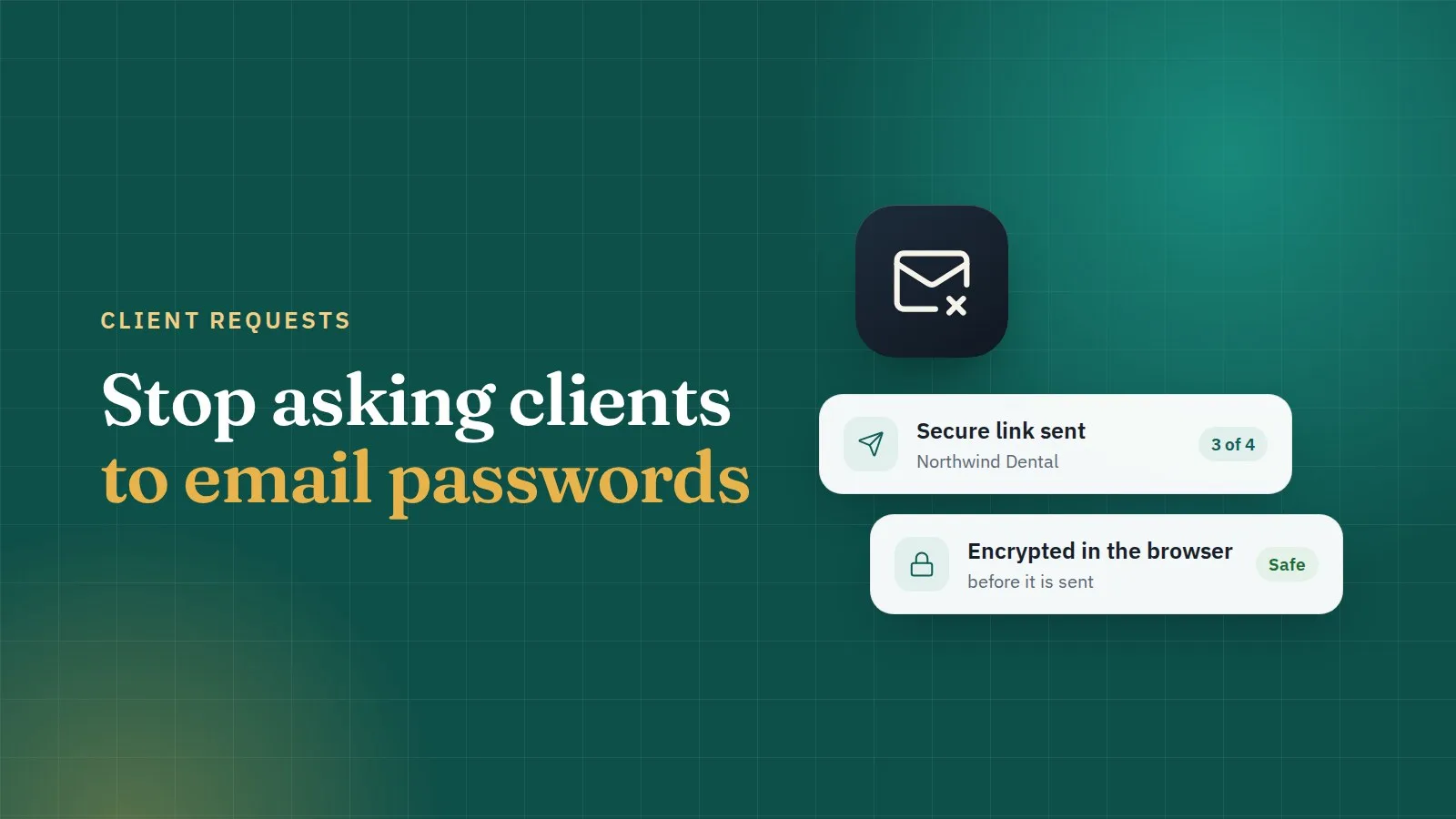
Stop asking clients to email you their passwords
Email is the worst place for a password. Client requests let your clients send logins safely, without an account, in a few minutes.
ClientKeeps team · · 2 min read
A new client signs. You need their hosting, domain and WordPress logins to start work. So you send the usual email: "Could you send us your logins?"
What comes back is a password in plain text, sitting in two inboxes (theirs and yours), probably forwarded to a colleague, and kept forever. If either mailbox is ever broken into, those logins go with it.
A better way: a client request
With a client request, you send your client a link instead of a question.
- Choose what you need. Tick the sections: WP Admin, Hosting, Domain, FTP, Cloudflare, Mailchimp, SSL, or Other. You can add a message to explain what each one is for.
- Send the link. Copy it into your usual email or chat. You can add a passcode and tell it to the client by phone, for extra safety.
- Your client fills it in. No account, no app to install. They can save one section at a time and come back later.
- Their answers are encrypted in their browser before they leave their computer. The key to read them is in the part of the link after the
#, which browsers never send to a server. - You review and import. The logins go straight into the right client and website in your vault.
The bell in ClientKeeps tells you when a client has answered.
Why this is safer than email
- No password ever sits in an inbox. The email only carries a link.
- Links expire. An old link found in a mailbox years later opens nothing.
- Only your team can read the answers, not even our servers.
- Every step is in the audit log: when the request was sent, opened, answered and imported.
Tips for a smooth handover
- Ask only for what you need now. Shorter requests get answered faster.
- Use the message box to say why you need each login: "We need FTP access to restore your backup."
- Turn on a passcode for high-value logins such as the domain registrar, and give it by phone.
- After the project, use Report a problem or the rotation reminder to have the client change any password that is no longer needed.
Client requests are included in every workspace. Try it with your next new client.