Introducing ClientKeeps, the client-login vault for agencies
Every agency ends up with client passwords in spreadsheets, chats and inboxes. ClientKeeps gives them one safe home, organised by client and website.
ClientKeeps team · · 2 min read
If you run a web agency, you look after more passwords than most banks. Hosting panels, domain registrars, WordPress admins, FTP accounts, Cloudflare, email marketing tools. Each client has a dozen of them, and each one usually lives somewhere it shouldn't: a shared spreadsheet, an old email, a chat message from three years ago.
We built ClientKeeps because we had the same problem at our own agency. Today it is open for agencies like yours.
Organised the way agencies work
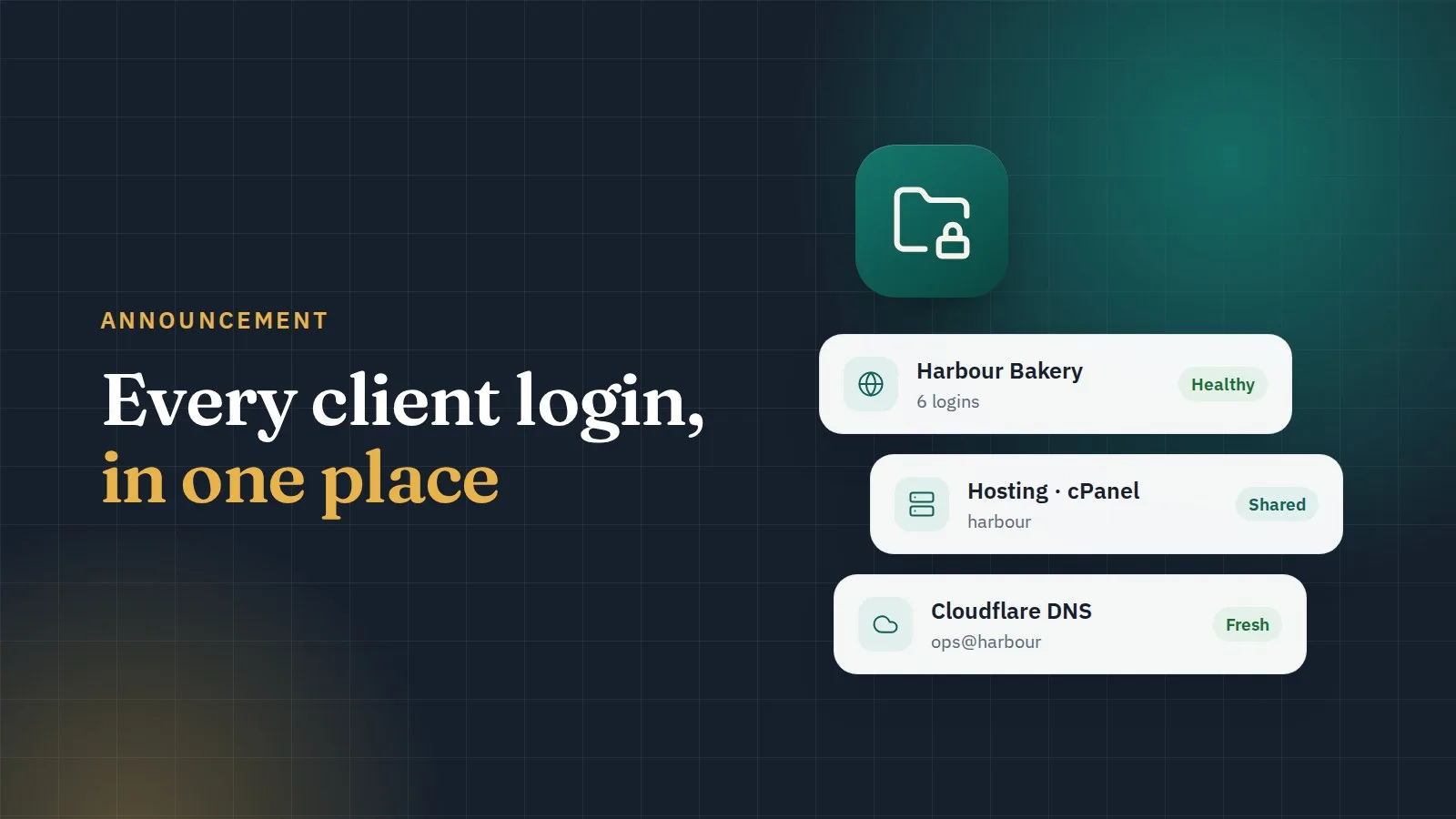
Most password managers are built for one person and their personal accounts. Agencies think in clients and websites. In ClientKeeps, every login belongs to a client, and usually to one of that client's websites. Open a client and you see everything you need to work on their site, in one place:
- the website's hosting, domain, FTP and WordPress logins;
- notes, two-factor codes and attachments, such as an SSL certificate;
- who on your team can open each login, and when it was last used.
One login can hold several sections, so "Example Bakery's website" can carry the WordPress admin, the hosting panel and the FTP account together.
Encrypted before it leaves your computer
Your logins are encrypted in your browser with your master password before they are sent to us. Our servers only ever store scrambled data. We can't read your clients' passwords, and neither could anyone who broke into our servers. We explain how this works in what zero-knowledge really means.
Built for a team
- Invite your team and give each person only the clients they work on.
- Share a single login with a person or a team, for a set time if you like.
- Remove access in one click when someone leaves, and see which passwords they could open, so you know what to change.
- An audit log shows who opened which login and when, and it can't be quietly edited.
Ask clients for logins the safe way
Instead of asking a client to email you their hosting password, send them a client request. They open a link, fill in only the sections you asked for, and their answers are encrypted in their browser before they are sent. You review them and add them to the vault. More on that in stop asking clients to email passwords.
Getting started
- Create your workspace and choose a master password. Only you know it.
- Print your recovery sheet and keep it somewhere safe.
- Add your first client, or import your existing spreadsheet (CSV).
- Invite your team.
Questions, or want a walkthrough for your agency? Contact us. We read every message.