How to ask clients for their logins: a step-by-step guide
Getting hosting, domain and WordPress logins from a new client can take weeks of emails. A client request does it in one secure link.
ClientKeeps team · · 2 min read
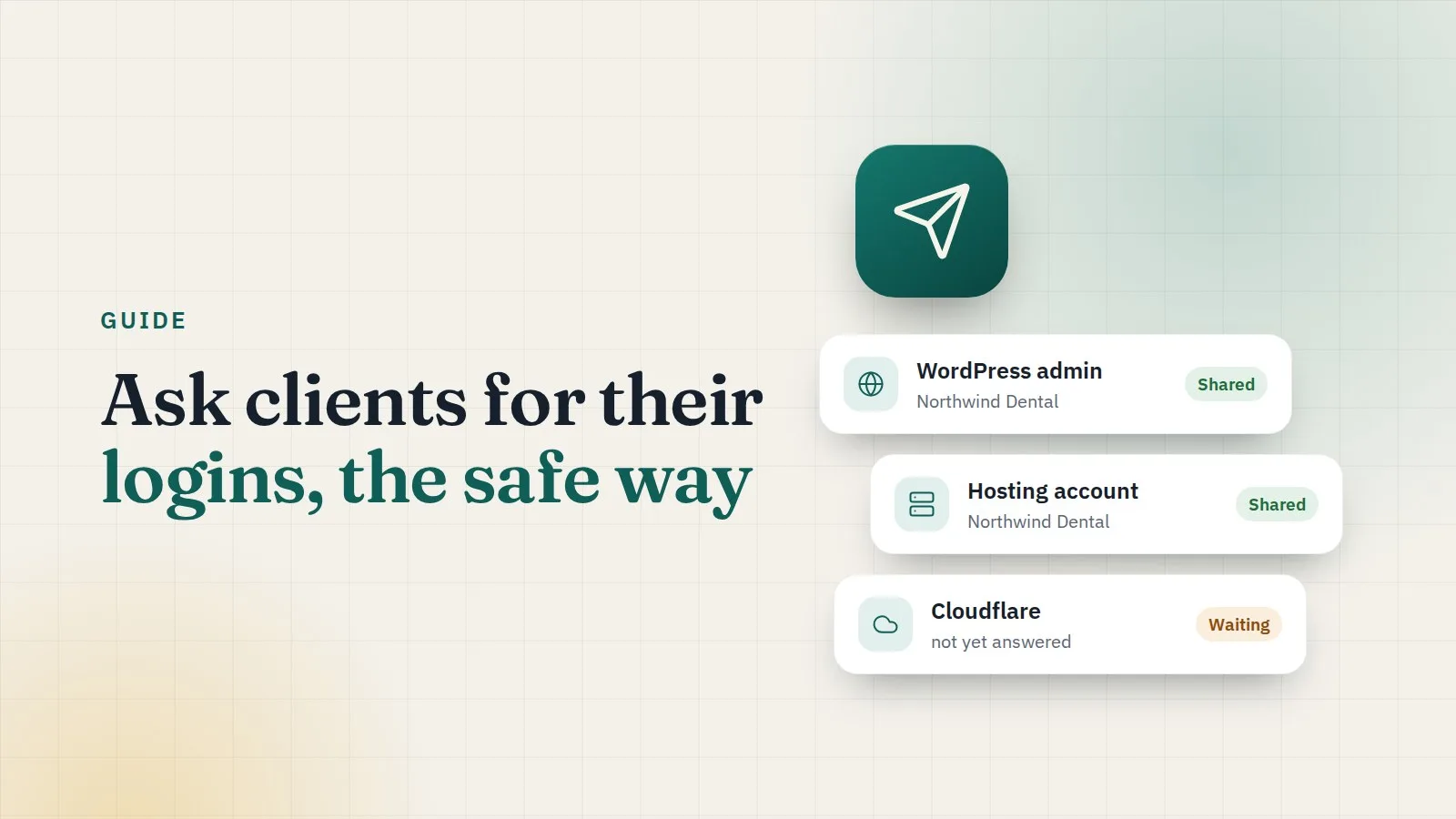
Every new project starts the same way: "Can you send us the hosting login?" Then the domain. Then WordPress. Then the one they forgot. Here's how to collect them all in one go, without a single password in your inbox.
1. Create the request
Open Client requests and choose New request. Tick what you need:
- WordPress admin
- Hosting
- Domain
- FTP
- Cloudflare
- Mailchimp
- SSL certificate
- anything else, with your own label
Each one becomes a section the client fills in. Add a short message so they know what it's for.
2. Choose how safe it should be
The link itself carries a secret key after the #, which browsers never send to a server. For extra safety, add a passcode and tell the client by phone or a different channel. You can also set when the link expires.
3. Send it
Copy the link into your usual email or chat. Your logo and colours appear on the page, so the client knows it's really you.
4. The client answers at their own pace
The client sees exactly what you asked for. For each section they can:
- type the login and password, with a message if something needs explaining;
- say they'll add your team as a user instead, which is often better for hosting and domains.
Each answer is encrypted in the client's browser before it's sent and saved one at a time. If they only have two logins today, they send two now and the rest tomorrow.
5. Follow progress
The bell tells you when answers arrive, and the request shows how many sections are done. No chasing by email.
6. Review and import
When you're ready, review the answers and import them into the client's logins. They land in the right place, under the client and their website.
Tips that save time
- Make templates for the requests you send most, like "new WordPress site".
- Send it on the kick-off call, so the client can start while you talk.
- Ask for a user, not a password, where the service supports it. Then nobody has to share a password at all.
A good request takes two minutes to send and saves a week of emails.