How to store WordPress admin logins securely
WordPress admin logins are the most shared passwords in any agency. Here's how to keep them safe, organised by client, with two-factor codes alongside.
ClientKeeps team · · 2 min read
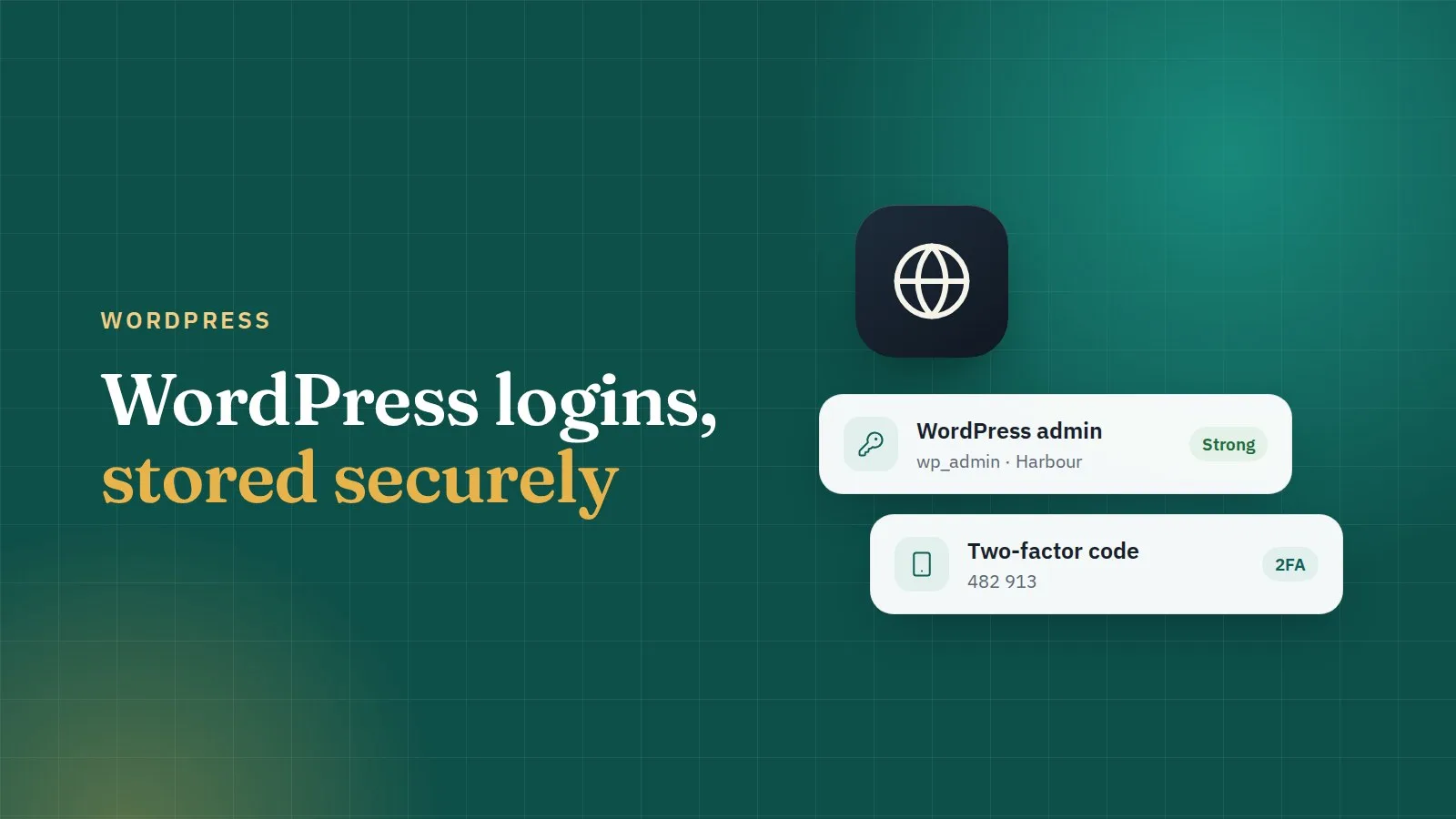
If your agency builds or maintains WordPress sites, you have more WordPress admin logins than any other kind of password. They're also the ones most likely to be pasted into chat at 6 pm. Here's a better way.
Give each person their own account
The safest WordPress login is one that isn't shared. Where you can, create a separate admin user for each team member, and remove it when they leave. Then nobody needs the "main" admin password day to day.
Keep the main admin login in your vault anyway, for emergencies, and limit who can open it.
Keep it with the rest of the site
A WordPress login on its own isn't much use. When the site breaks you also need hosting, FTP and maybe Cloudflare. In ClientKeeps, one login can hold several sections, so the website's login carries:
- the WordPress admin: address, username, password;
- the hosting panel;
- FTP or SFTP;
- and notes, like which plugins need a licence.
Open the client, and everything for that website is in one place.
Turn on two-factor, and store the code properly
Use a two-factor plugin on client sites, especially for admin users. Store the setup key in the vault rather than on one person's phone; ClientKeeps shows the current six-digit code next to the password, so anyone with access can sign in, and nobody's holiday blocks a fix.
Use strong, unique passwords
WordPress sites get attacked with lists of leaked passwords all day long. Generate a long random password for every admin user, and never reuse one between sites. ClientKeeps's health check flags weak, reused and breached passwords, so you know which sites to fix first.
Share with care
Freelancer fixing one plugin? Share that one login, for a limited time, instead of the whole client. Access ends on its own.
When a client asks for a handover
When a client moves on, change the admin password, remove your agency's users from WordPress, and hand over the login through an expiring external link, never by email.
Quick checklist
- One admin user per person, removed when they leave.
- Main admin login in the vault, limited access.
- Two-factor on, with the code in the vault.
- Unique, generated passwords.
- Hosting, FTP and WordPress kept together per website.
Simple habits, and your clients' sites are much harder to break into.