What "zero-knowledge" really means (and what it doesn't)
"Zero-knowledge" is used a lot in security marketing. Here is exactly what it means for your logins in ClientKeeps, in plain English.
ClientKeeps team · · 2 min read
Many products say they are "zero-knowledge". It is worth knowing what that means in practice, because it changes what can go wrong.
The short version
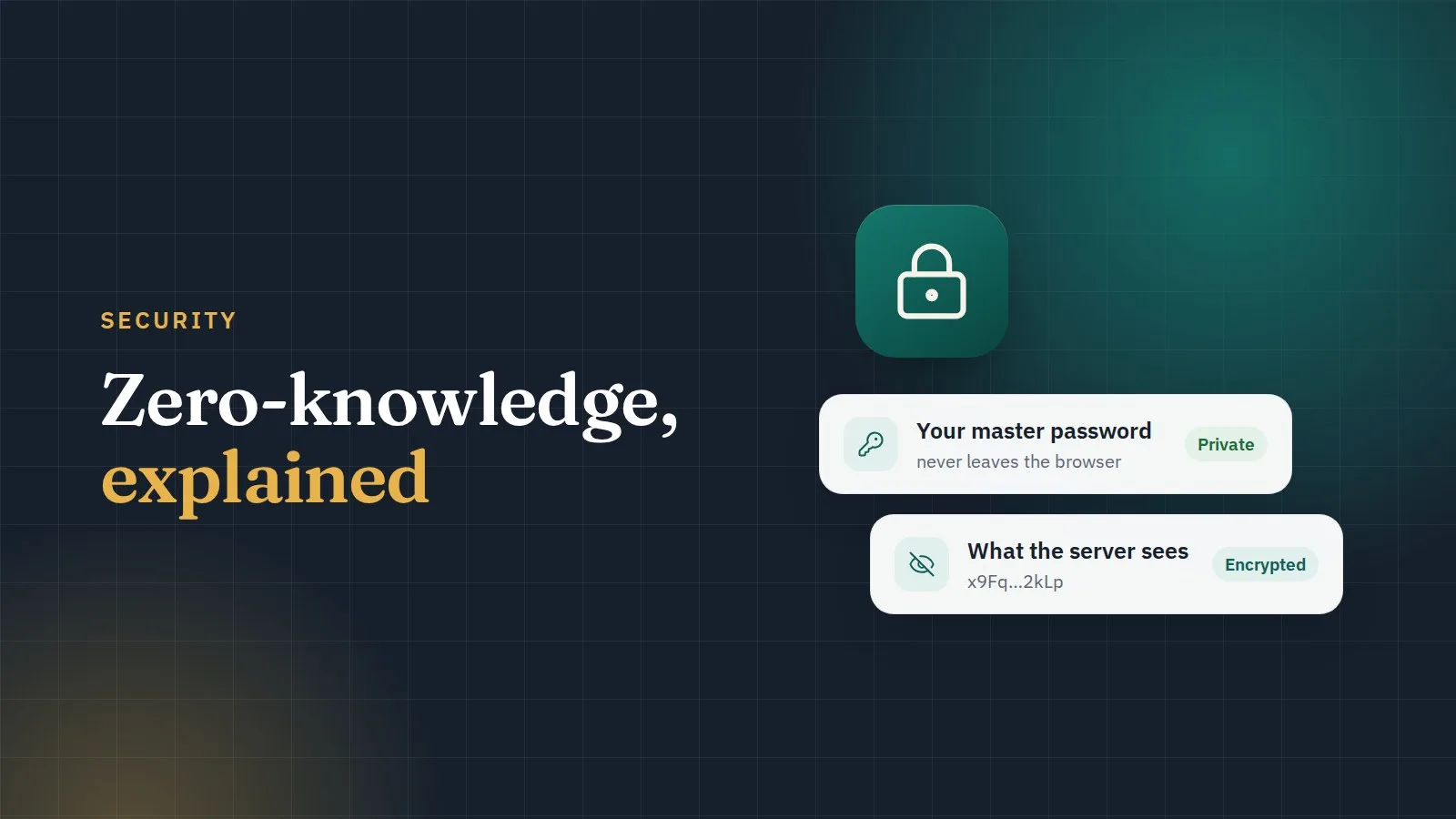
Your logins are encrypted on your computer, with a key made from your master password, before they are sent to us. We store only the encrypted result. We never receive your master password or the keys that can unlock your data.
So if someone stole our database, or if one of our staff wanted to look, they would see scrambled data and nothing else.
How it works
- Your master password never leaves your browser. When you sign in, your browser turns it into two separate things: a key that unlocks your vault, and a sign-in proof. Only the sign-in proof is sent to us.
- Each login has its own key. That key is locked with your keys, or with your team's keys if the login is shared.
- Sharing is done with public-key encryption. When you share a login with a teammate, your browser locks the login's key for them. The server passes it along but can't open it.
- We use well-known, well-tested building blocks (libsodium, Argon2id), never home-made cryptography.
What it protects you from
- A break-in at our servers or our hosting provider.
- Someone with access to our database or backups.
- Requests to hand over your data: we have nothing readable to hand over.
What it does not protect you from
Honesty matters here.
- A weak master password. Choose a long one; ClientKeeps shows its strength while you type.
- A compromised computer. Malware on your own machine can see what you see once you unlock.
- A forgotten master password. Because we can't read your data, we can't reset your password for you. That's why setup gives you a recovery sheet to print and keep safe, and why another admin in your workspace can restore your access.
Extra layers we add
- Two-step sign-in is required for everyone (an app code or a passkey).
- The vault locks when you close the tab, restart, or (if your admin turns it on) after a period of inactivity.
- Every opening of a password is written to an audit log that can't be silently changed.
Read more on our security page, and if you find a problem, please tell us there. We take every report seriously.