Two-factor authentication for agency teams: a practical guide
Two-factor sign-in stops most account takeovers. Here's how agencies can use it everywhere without locking themselves out, or blocking their own team.
ClientKeeps team · · 2 min read
A stolen password is bad. A stolen password on an account with two-factor sign-in is usually harmless. That's why two-factor (2FA) is the single most useful security step an agency can take.
Two kinds of accounts
Agencies have two kinds of accounts to protect:
- Your own tools: your vault, email, project management.
- Your clients' accounts: hosting, domain, DNS, WordPress, email marketing.
They need slightly different approaches.
Your own tools: everyone, always
Turn on two-factor for every person, with no exceptions. In ClientKeeps, it's built in: nobody can use a workspace without it.
The best options, in order:
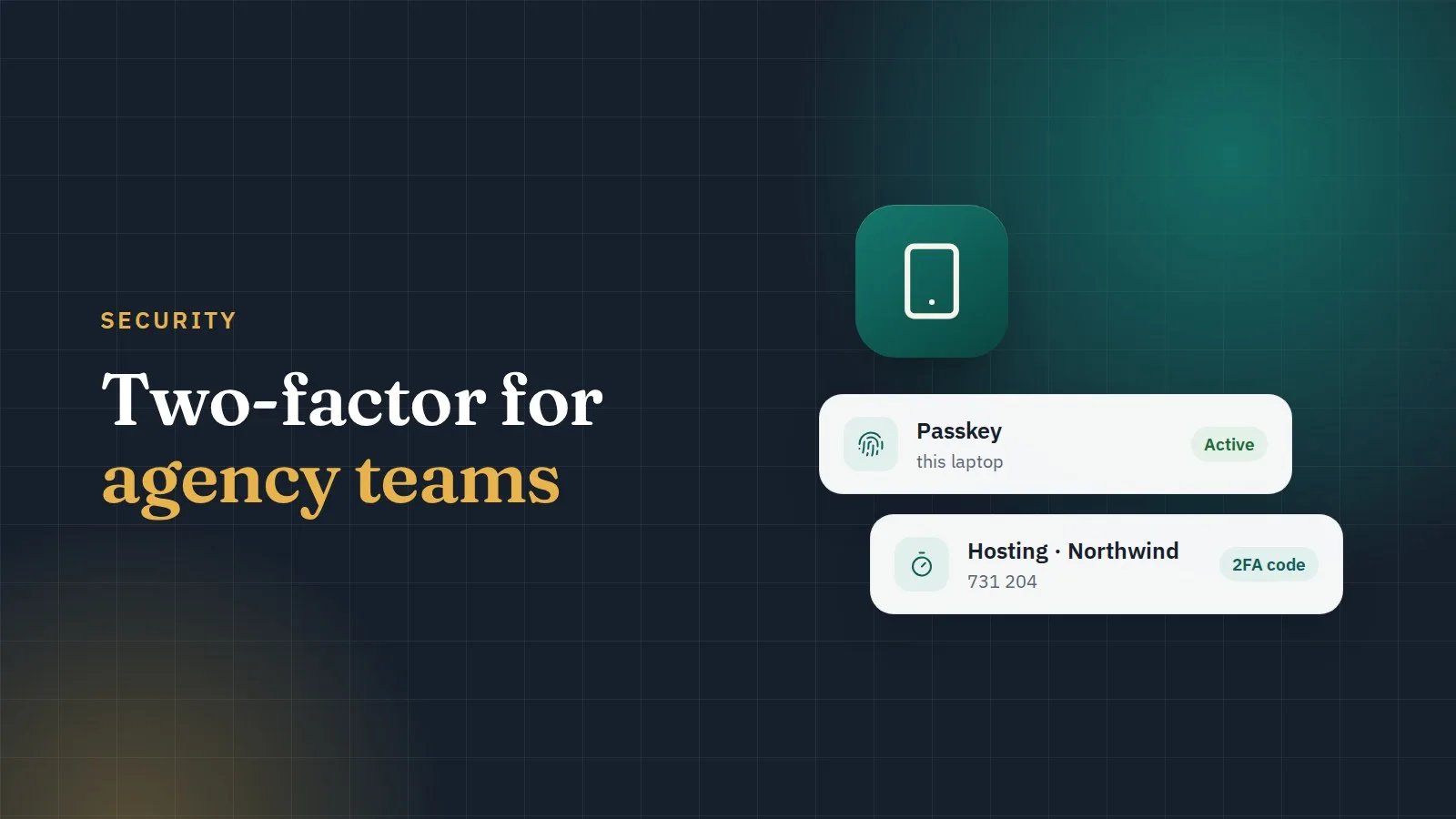
- Passkeys. Fingerprint or face on your device. They can't be phished, because they only work on the real website. ClientKeeps can also use a passkey to unlock your vault, so you type your master password less often.
- An authenticator app with six-digit codes.
- Text messages only if nothing else is offered.
Client accounts: shared codes, kept safe
Here's the agency problem: a client's hosting account has two-factor turned on, and the codes go to one developer's phone. That developer is on holiday when the site goes down.
The fix is to store the two-factor setup key in the vault, with the login. ClientKeeps then shows the current code right next to the password, to everyone who has access to that login, and nobody else. When someone leaves, the codes don't leave with them.
To do it, when you turn on two-factor for a client account, choose "can't scan the code?" to see the setup key, and paste it into the login's two-factor field.
Don't lock yourself out
- Save backup codes for important accounts, in the login's notes.
- Keep two ways in for your vault: a passkey and an authenticator app.
- Keep your recovery sheet offline. It's the Owner's way back into the workspace.
Start with the dangerous ones
You don't need to do everything today. Turn on two-factor first for:
- domain registrars,
- DNS (Cloudflare),
- hosting,
- email.
These are the accounts that can take a whole business offline. ClientKeeps's health score counts two-factor, so you can watch it go up as you go.