When someone leaves your agency: a password checklist
A team member leaves. Which client passwords did they know, and which ones need changing today? A simple checklist, and how ClientKeeps does most of it for you.
ClientKeeps team · · 1 min read
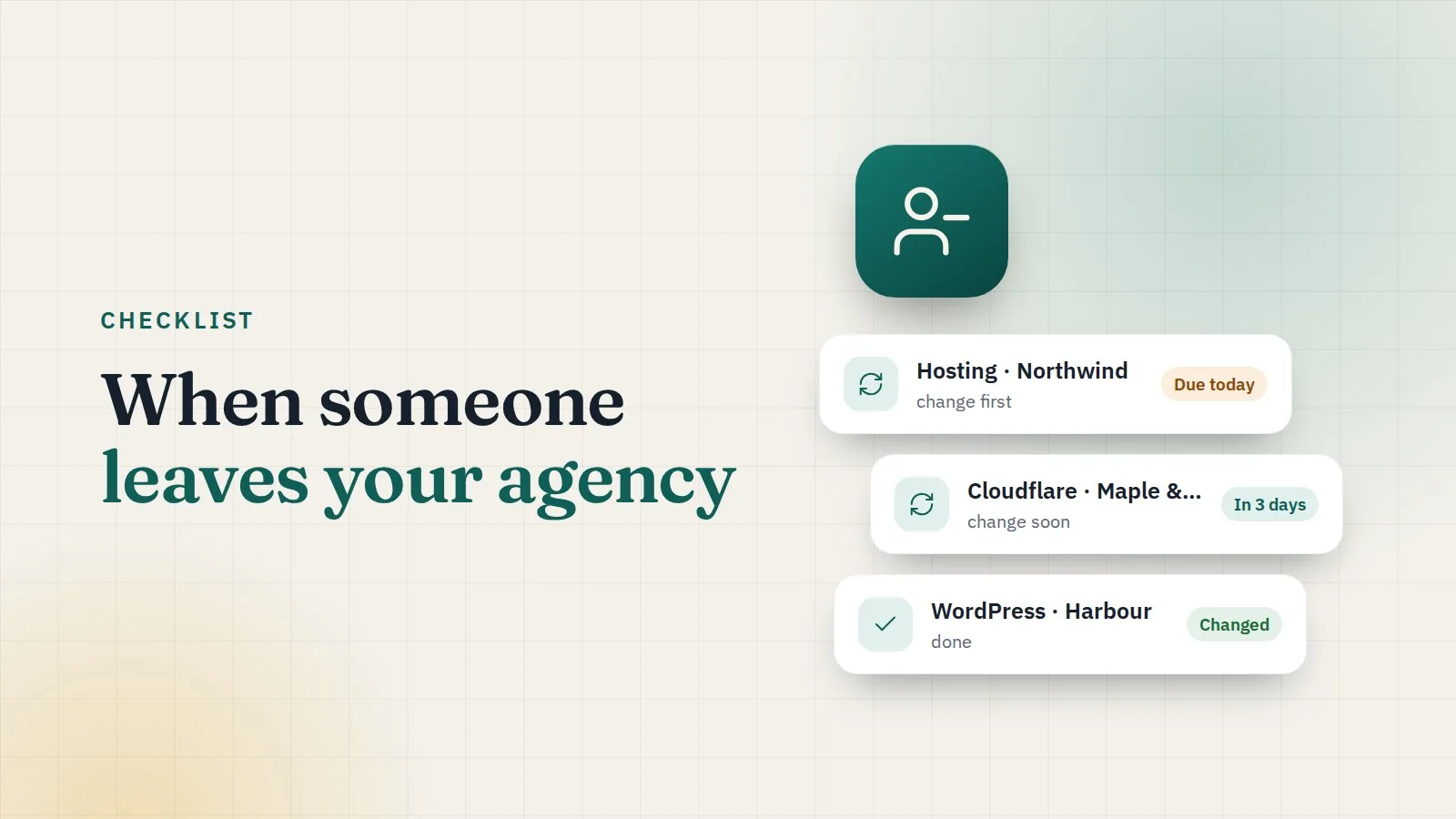
People move on. It's normal, and usually friendly. But the passwords they knew don't leave with them. A good offboarding takes less than an hour if you know where to look.
The checklist
1. Remove their access on their last day. In ClientKeeps, open Team & access, choose the person, and deactivate them. They are signed out everywhere at once, and their passkeys and trusted devices stop working.
2. See what they could open. The person's page lists every client and login they had access to, and the audit log shows which passwords they actually opened, and when.
3. Change the passwords that matter most, first. You don't have to change everything today. Start with:
- domain registrars and DNS (Cloudflare): whoever controls these controls the website;
- hosting panels and server logins;
- anything they opened recently.
ClientKeeps marks these logins with a reminder so nothing is forgotten, and the dashboard shows what still needs attention.
4. Rotate shared team keys. If they were in a team, ClientKeeps asks an admin to rotate the team's key. It takes one click and means old copies of the key are useless.
5. Hand over their work. Shares and client requests they created stay with the workspace. Reassign anything that was theirs.
6. Check two-step sign-in on client accounts. If they set up two-factor codes on a client's account using their own phone, move them to the vault so the codes belong to the agency.
Make the next one easier
- Give people only the clients they work on. The fewer passwords someone knew, the shorter the list.
- Use time-limited access for freelancers and contractors, so it ends by itself.
- Store two-factor codes in the vault, not on personal phones.
Leaving shouldn't be stressful for anyone. With the right tool, it's a checklist, not a crisis.